

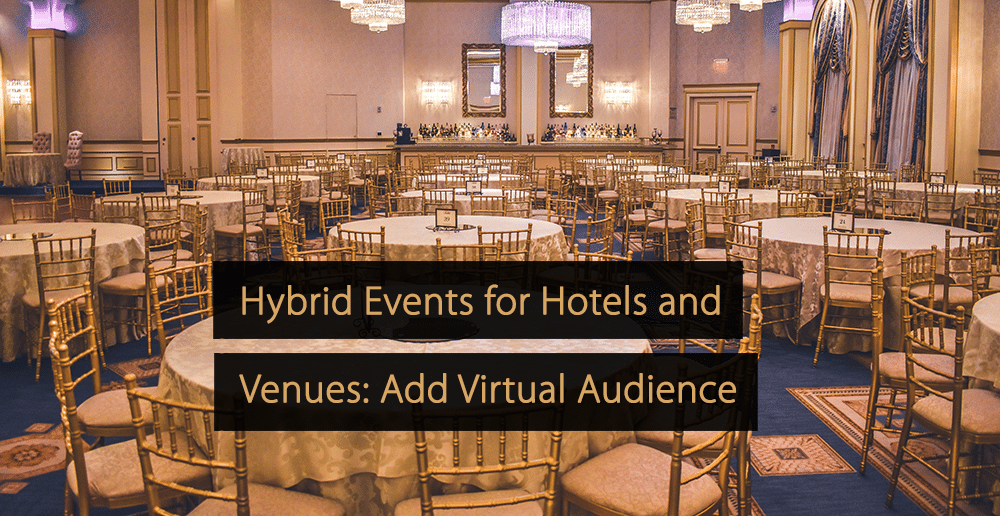
Meeting and event clients expect more from venues than a room, a projector, and coffee. Many now ask a simple question during the sales call: “Can remote participants join?” For hotels and conference venues, the answer has become a revenue question. A venue that can run hybrid events can win bookings it would otherwise lose, and it can upsell streaming as a paid service.
The good news is that a hybrid setup no longer requires a broadcast truck. Here is a practical guide for venue and hotel event teams.
Why Hybrid Matters For Venues
Hybrid events help venues serve larger audiences, create additional revenue opportunities, and meet client expectations without requiring full broadcast infrastructure.
- Larger events in smaller rooms. A product launch for 80 people on site can reach 800 online.
- New revenue lines. Streaming packages, recording, and post-event video become billable services.
- Stronger client retention. Associations and corporate clients that run recurring events prefer venues that already have a proven hybrid workflow.
The Minimum Technical Setup
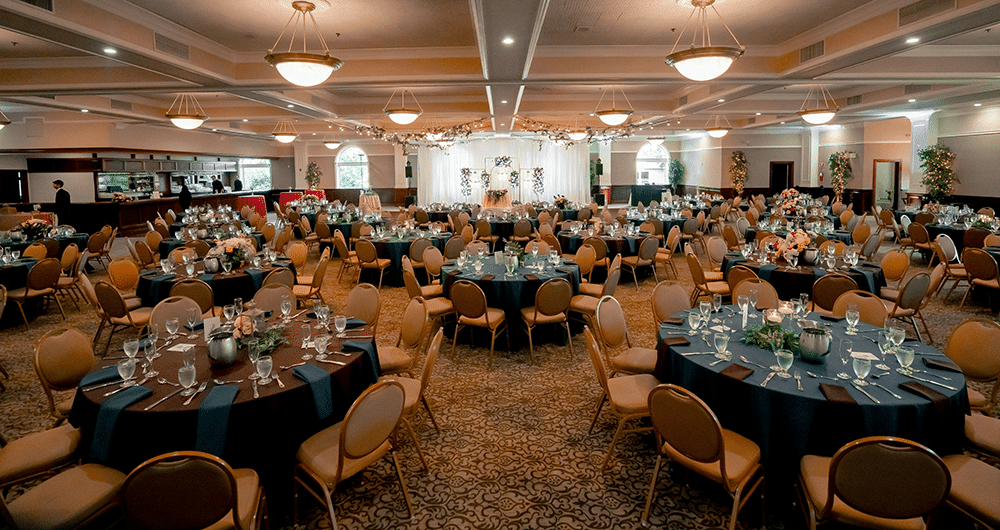
You don’t need to build a studio. A reliable hybrid kit for a meeting room or ballroom usually includes:
| Item | Purpose | Notes |
| 1–2 cameras (PTZ, mirrorless or even a phone) | Speaker and room shots | One wide shot, one close-up of the stage; lock focus before guests arrive |
| Wireless clip-on mics, one per speaker | Clean sound from every panelist | Keep a spare, charged mic for audience Q&A |
| Compact video switcher or capture device | Mixes cameras and mics into one feed for the laptop | With only two speakers, the mics can go straight into the laptop |
| Dedicated laptop running only the broadcast. | Runs the stream in the browser | Close every other app; use Chrome. |
| Wired internet, 15–20 Mbps upload | Stable stream | Test in the actual room; never rely on guest Wi-Fi |
| Display for remote speakers | Shows remote guests to the room | Place it near the stage |
Choosing the Streaming Platform
The platform is where the remote audience experiences the event, so choose it with the client’s guests in mind. A good virtual event platform for venues should let remote attendees join from a browser link without installing anything, include registration so organizers can see who is attending, and keep a recording on the same link for on-demand viewing.
For venue teams, browser-based tools like Restream are easier to operate than traditional encoders. A technician can mix camera feeds and slides, bring remote speakers on stage from a link, and add the client’s branding from one browser window. If the client also wants a public audience, the same session can be streamed to YouTube, LinkedIn, and other platforms at once. Panelists can also connect their own social channels to bring their followers in.
Staffing a Hybrid Event
Even a small hybrid event needs two clear roles:
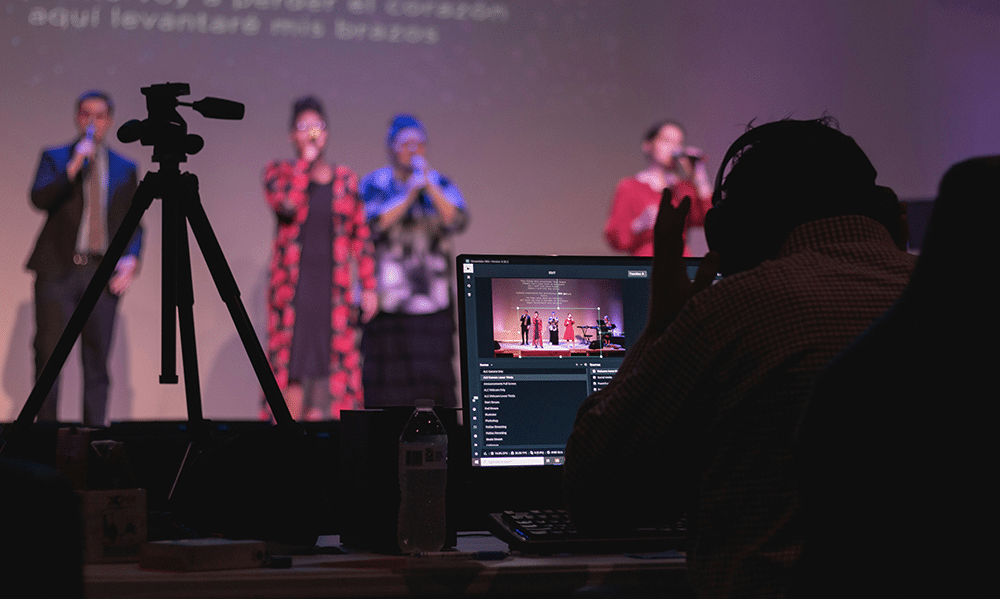
- Technical Operator: Manages cameras, audio, scene changes, and the stream itself.
- Virtual Host or Moderator: Watches the online chat, passes questions to the room, and makes remote attendees feel included.
The second role is the one most often forgotten, and it is the one remote attendees notice most. Many venues train a member of the events team to take it on, or offer it as an add-on service.
A Pre-Event Checklist
A structured pre-event checklist helps venue teams test equipment, confirm responsibilities, reduce technical failures, and prepare reliable backup plans beforehand.
- Run a full rehearsal in the actual room, at the same time of day as the event.
- Test the upload speed with other guests using the hotel Wi-Fi.
- Agree on a backup plan with the client, such as recording locally if the connection drops.
- Share a one-page guide for remote speakers: camera at eye level, headphones, quiet room.
- Charge every mic, camera, and switcher; a compact kit typically lasts 3–4 hours.
- Turn on live clipping, if your platform offers it, so highlights are ready right after the event.
- Confirm who receives the recording and in what format.
Packaging Hybrid As a Service
Venues that profit from hybrid events usually sell it in clear packages rather than custom quotes:
- Basic Stream: One camera, room audio, live stream to the client’s link.
- Pro Hybrid: Two cameras, remote speakers, branded layouts, moderated Q&A.
- Content Package: Recording, edited highlights, and short social clips after the event.
Short clips are an easy upsell. Many streaming tools now generate captioned highlights automatically from the recording, so the venue can deliver them within a day.
Hybrid events are no longer a pandemic workaround. They are a way for venues to sell beyond their physical capacity. Start with one well-equipped room, a reliable streaming platform, and a trained moderator, and expand once clients start asking for it by default.
More Tips to Grow Your Business
Revfine.com is the leading knowledge platform for the hospitality and travel industry. Professionals use our insights, strategies, and actionable tips to get inspired, optimize revenue, innovate processes, and improve customer experience.Explore expert advice on management, marketing, revenue management, operations, software, and technology in our dedicated Hotel, Hospitality, and Travel & Tourism categories.





Leave A Comment