

When your servers wait for a terminal or your kitchen receives incomplete orders, interruptions can hold up an entire meal. Restaurant POS systems connect order entry, preparation, and payment so each handoff carries the same details.
This guide shows how to find where service slows, organize your ordering workflow, and use QR codes where they can make a practical difference to service.
Five Ways to Improve Service:
|
What Are Restaurant POS Systems?
Restaurant point-of-sale (POS) systems combine software and hardware to record orders, manage bills, and process payments. Connections to kitchen displays, online ordering, and restaurant management software can carry those details through your operation.
In a connected setup, your server enters a dish and its modifications, the preparation station receives the ticket, and the items appear on the guest’s bill. Features and integrations vary by provider, so confirm what your setup includes before planning changes.
A full POS can support dine-in, takeaway, and delivery orders alongside table management, payments, inventory, and order history, which can reduce the systems staff need to check during service.
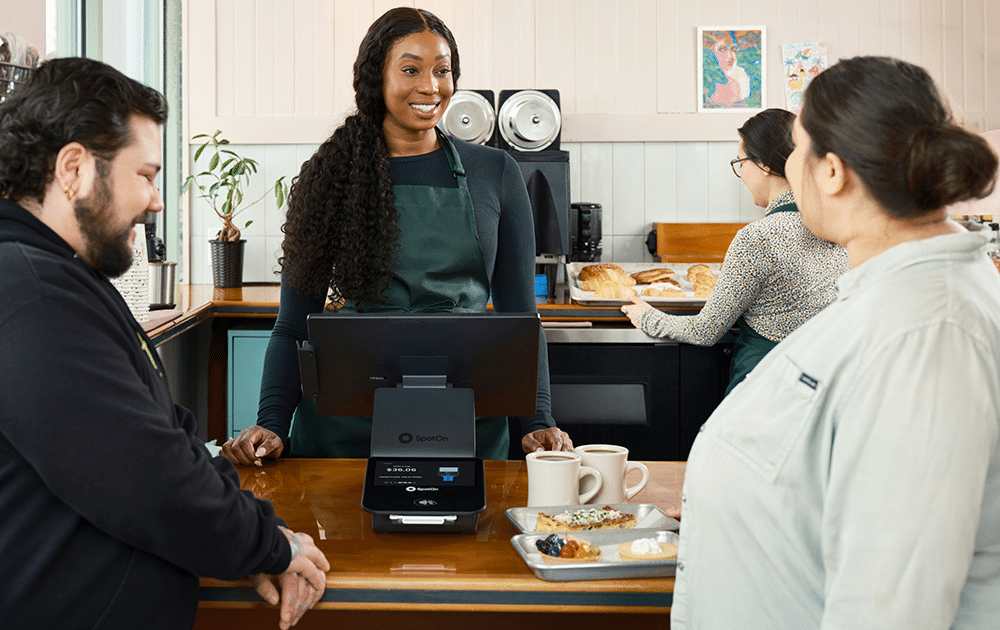
How to Improve Service Efficiency With Restaurant POS Systems
Improving restaurant service with a POS starts by identifying specific delays, connecting ordering channels, simplifying kitchen communication, and reducing unnecessary waiting.
1. Start With the Delay You Need to Fix
Across the restaurant and F&B industry, service efficiency depends on several teams, and faster order entry won’t fix a backlog at your preparation station.
Choose one problem first, then watch a busy service and follow an order through each stage:
- Where does it wait?
- Does a server queue for the POS terminal?
- Does someone type delivery orders manually into it?
- Do guests wait longer for payment than for dessert?
If orders sit on handwritten pads before reaching the kitchen, tableside entry might help. If requests arrive promptly but meals leave late, the issue may be preparation capacity or team coordination.
2. Take Orders Where Your Guests Are
Handheld POS devices let servers enter orders at the table instead of returning to fixed POS stations, and they give servers a chance to clarify details before moving on.
The National Restaurant Association’s 2026 State of the Restaurant Industry report identifies digital ordering, automation, and data analytics as areas where operators expect technology to deliver efficiencies.
Test connectivity before rollout. Check devices whenever staff use them, assign responsibility for charging and storing them, and decide what happens if it loses connection.
3. Make Menu Options Clear Before Orders Reach the Kitchen
Even servers can be slowed down by an unclear POS menu. Similar item names, missing options, and unclear modifiers force the kitchen to pause over choices that should have traveled with the order.
Organize your POS menu around how your staff takes orders, keep frequently ordered dishes within reach, and use names staff recognize. When your system supports it, add required choices for options such as portion size or side dishes.
Dietary requests need a clear handling process as well. Your POS can help record and communicate them, but your team must still confirm the request with the guest and follow established food-handling procedures.
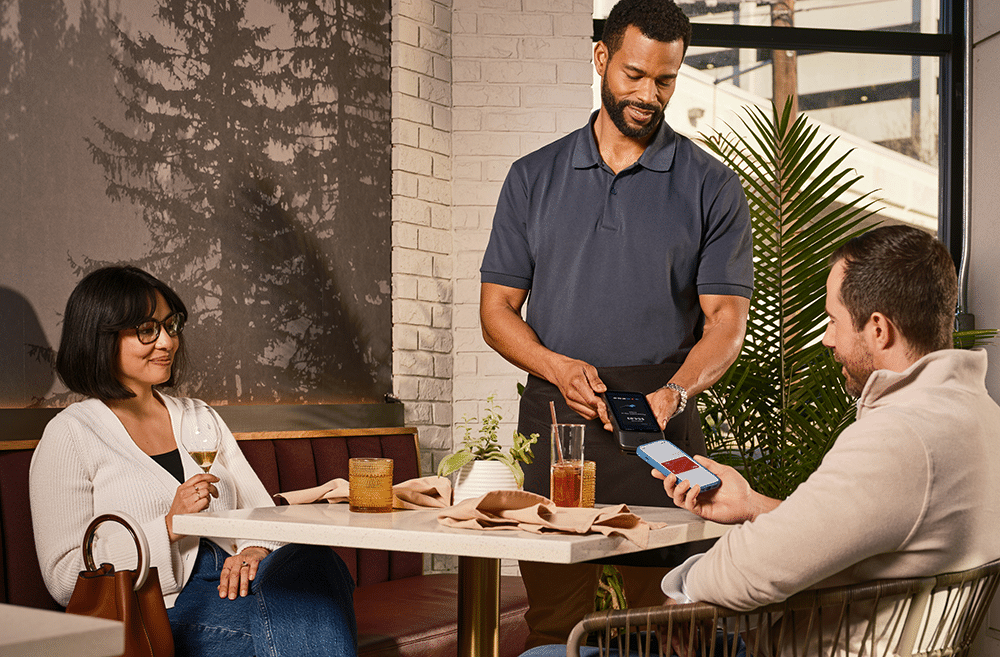
4. Bring Ordering Channels Into One Workflow
Takeaway, dine-in, and delivery orders can compete for the same kitchen capacity, especially when separate devices leave staff managing several queues and re-entering orders into the POS.
Check whether your online restaurant ordering system can send orders into your POS, including order type and collection details.
Whether you use a kitchen display or printed tickets, you need a clear process for changes, cancellations, and completed orders. Send a test order across stations to confirm each receives the right details and the meal can be coordinated.
If your software supports capacity controls or adjustable collection times, use them to keep incoming orders in line with what your kitchen can prepare.
5. Decide Where Your QR Code Should Lead
Before placing QR codes on tables, decide their purpose: show the menu, take orders, or make payments.
If guests order through it, the setup needs to do more than open a page. With a compatible QR ordering setup, orders can move from the guest’s phone into the POS and kitchen printer or display.
A POS system that accepts QR orders can connect this process with other parts of restaurant operations. Each table gets a unique code that sends the order, including required modifiers, straight to the kitchen without staff retyping it.
6. Shorten the Wait at Payment
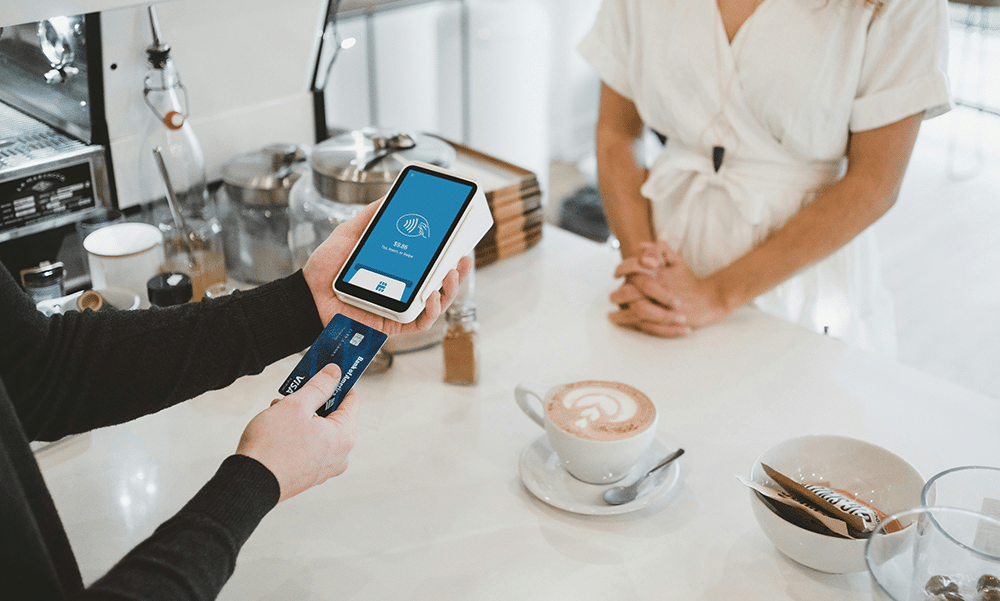
Tableside payments reduce the need to send guests through another wait for a fixed terminal. Before rollout, test split bills, corrected charges, failed transactions, and payment confirmation so staff know how to handle exceptions without slowing the end of service.
How to Measure Service Performance
Record your service times before the new workflow, then compare shifts with similar staffing, guest numbers, service periods, and order volumes.
Looking at customer experience across multiple touchpoints can show whether an improvement in one part of service creates delays somewhere else.
You can track:
- Order Submission Time: From taking an order to kitchen receipt.
- Preparation Time: From kitchen receipt to the order being ready.
- Order Corrections: Missing details or entry mistakes requiring changes.
- Payment Time: From requesting the bill to completing payment.
Combine system timestamps and staff observations to fill data gaps. If submission improves while preparation slows, review kitchen workload before adding another ordering channel. Rehearse your outage procedure too, including who records unsent orders and reconciles them afterward.
Start With One Service Goal
Choose one recurring delay and configure your restaurant POS systems around it. Give your team time to learn the workflow, then compare similar shifts and use the results to decide your next change toward faster, smoother service.
Restaurant POS systems improve service when they solve specific operational delays rather than adding technology for its own sake. By connecting ordering, kitchen communication, payments, and performance tracking, restaurants can reduce friction, support staff, and create a smoother guest experience.
More Tips to Grow Your Business
Revfine.com is the leading knowledge platform for the hospitality and travel industry. Professionals use our insights, strategies, and actionable tips to get inspired, optimize revenue, innovate processes, and improve customer experience.Explore expert advice on management, marketing, revenue management, operations, software, and technology in our dedicated Hotel, Hospitality, and Travel & Tourism categories.


Leave A Comment