
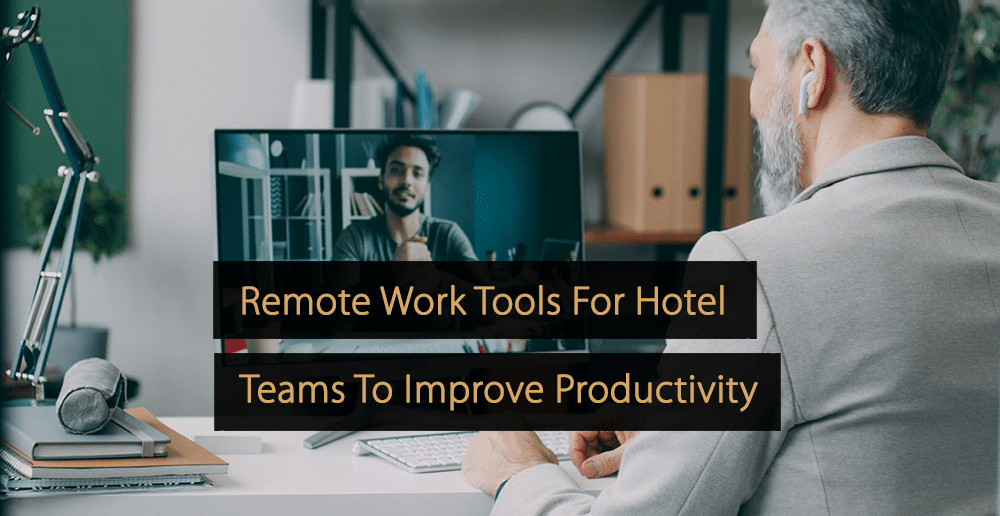
Remote work is changing how hotel teams communicate, plan, and complete daily tasks. While hotels still depend on in-person service, many behind-the-scenes activities can now be managed from different locations, departments, or workstations. The right tools help staff share updates, track responsibilities, access documents, and stay connected without slowing operations down.
In this article, you’ll learn how remote work tools support hotel teams, improve productivity, simplify communication, and create smoother workflows beyond the traditional office setting.
How Remote Work Supports Modern Hotel Teams
What if hotel teams are not sitting in the same office?
How do they connect?
How do they keep organized?
And most importantly, how do they remain productive?
Remote work has also provided hotel teams with brand new and flexible approaches for getting daily jobs done in a more collaborative environment. When staff employ the correct tools and habits, all front desk support reservations sales guest communication, housekeeping updates, and planning with teams flow more effectively.
Prepared and designed for hotel teams to ensure operations are clear at every step, remote work tools work alongside hotels. Team players can consult schedules, enter notes, check guest requests, and stay on top of daily priorities without missing a beat. It provides an interconnected workflow that ensures everyone is aligned on service, time, and teamwork.
Why Remote Work Tools Matter For Hotel Teams
The success of a hotel relies on the timing, communication, and attention to detail. Daily work becomes more structured and refreshing every time from home, on the go, or from another department, to see if there is an update coming from your team.
Be transparent on the remote work tools that help hotel teams collaborate, accelerate in getting back into their roles, and share information and momentum.
They also serve various types of working styles in the hotel. While some members can do admin jobs in a cozy little nook, others can spend the day hopping from department to department. Get it wrong, and you may never recover.
1. Better Communication Across Departments
Reception, managers, sales teams, maintenance, and guest support are a few members of a typical hotel team. Remote work tools allow everybody to keep in contact through one simple flow.
To do anything, teams can utilize shared systems to:
- Send shift updates
- Share room status notes
- Track guest requests
- Post meeting reminders
- Review daily goals
2. Easier Access To Work Information
Hotel employees can access their schedules, documents, reports, and task lists from anywhere with remote access, which makes it unnecessary for them to be at a desk all day. So, this saves precious time and keeps team members ready for the coming challenge.
A supervisor can track the readiness of rooms as they move around the property. A reservations team member can look at booking notes from a remote location.
Since part of the job involves updating event details from somewhere else, a sales coordinator can simply stay completely in touch with their hotel team and get things done.
Useful Tool Types For Daily Hotel Work
The remote work tools need not be confusing. Some of the simplest are often the most valuable. They help employees stay up to date, respond quicker, and complete tasks usually through an orderly stream of some sort.
1. Shared Task And Project Boards
Daily duties and weekly priorities are organized using task boards & other tools. Hotel teams could leverage them for any potential event preparation, training checklists, room inspection checklist formats, marketing plans, or even some internal admin work. Using a visual board helps you track what is in progress and what is ready.
2. Cloud-Based Document Storage
Used for standard operating notes, onboarding files, room service updates, event plans, and policy documents. Team members can work more efficiently and consistently when files are easily accessible.
3. Video Meeting Tools
Video calls enable team check-ins, training sessions, and planning meetings. Well-suited for multi-property teams and staff who are working remotely. A brief meeting keeps all connected and prepared for the day.
Devices That Support Flexible Hotel Work
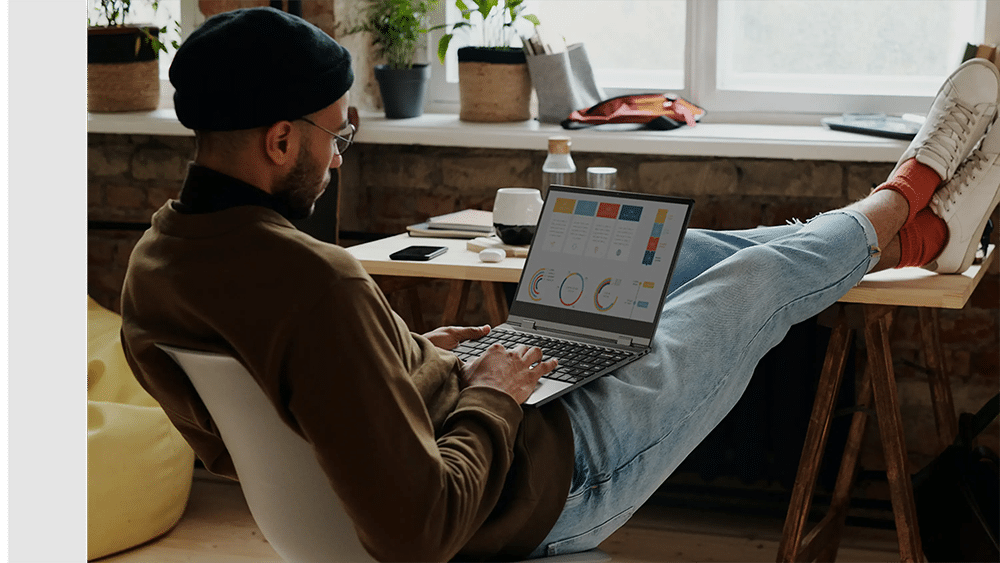
Along with software, the right device setup can make remote work more comfortable for hotel teams. A simple and practical workspace helps staff focus better and move through tasks with less effort.
1. Portable Screens For Extra Workspace
A portable monitor can be a useful addition for hotel professionals who work with bookings, reports, schedules, or guest communication. Extra screen space makes it easier to compare information, manage calendars, and keep several work windows open at once.
In small work areas, a mini monitor can also be a smart choice. It gives extra viewing space without taking over the desk, which works well for compact home setups or shared office corners.
Some teams may also look at options such as a UPERFECT portable monitor when building a flexible workstation. In a general sense, this type of screen can support a tidy setup for staff who need a second display for admin tasks, planning, and communication. The key point is comfort, visibility, and a smooth workflow, not promotion.
How Hotel Teams Can Use These Tools Effectively
Using remote work tools well is often about keeping things simple. Clear habits help tools bring real value to the team.
1. Keep Communication Clear And Short
Short updates are often easier to read and act on. A clear message about room status, guest needs, or staffing plans helps the team move faster and stay organized.
2. Create Shared Routines
When teams follow a regular pattern, work feels easier to manage. This could include a morning check-in, an afternoon task update, and a shared end-of-day summary. A steady routine supports consistency.
3. Make Information Easy To Find
Files, schedules, and checklists should be stored in a simple structure. When information is easy to locate, staff can use their time more efficiently.
Simple Overview Of Helpful Remote Work Tools
| Tool Type | Main Use In Hotels | Positive Result |
| Team messaging | Quick daily updates | Faster coordination |
| Task boards | Track duties and projects | Better visibility |
| Shared documents | Store work files and notes | Clearer access |
| Video meetings | Team check-ins and training | Stronger connection |
| Extra screen setup | Manage multiple tasks | More comfortable workflow |
Building a More Connected Hotel Workflow
Hotel teams benefit from more structure, clarity, and flexibility with remote work tools. Even with some differences, they facilitate communication between members of an agency, help employees stay organized, and even keep the day-to-day of a company more considered.
Simple systems, clear routines, and practical devices such as a portable monitor or mini monitor help hotel teams to build a productive workflow that appears fluid and relatively easy to navigate. In a service industry, this approach to remote support can help everyone work together and maintain high standards with grace and ease.
Remote work tools help hotel teams stay organized, connected, and productive across different locations. By using clear systems, shared routines, and practical devices, hotels can improve teamwork, reduce confusion, and support smoother daily operations beyond the office.
More Tips to Grow Your Business
Revfine.com is the leading knowledge platform for the hospitality and travel industry. Professionals use our insights, strategies, and actionable tips to get inspired, optimize revenue, innovate processes, and improve customer experience.Explore expert advice on management, marketing, revenue management, operations, software, and technology in our dedicated Hotel, Hospitality, and Travel & Tourism categories.





Leave A Comment